

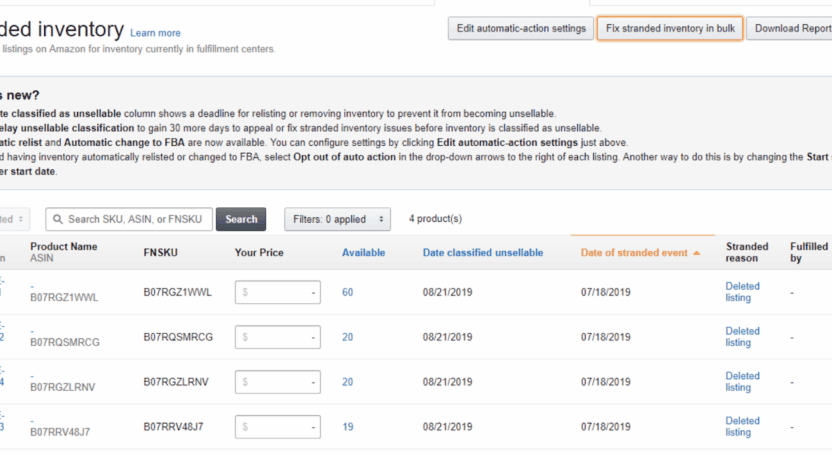
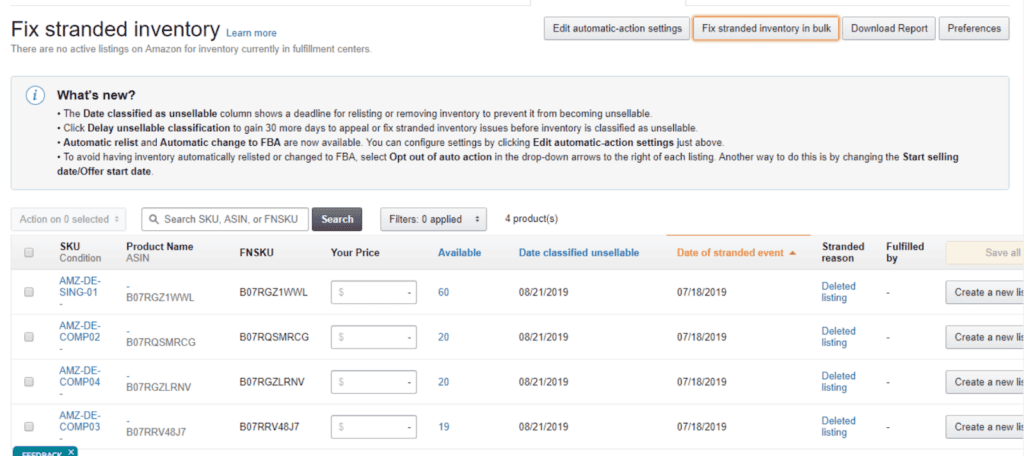
You may have noticed recently that you are unable to re add stranded inventory back into your inventory. This is extremely frustrating and creates unnecessary complications for your account.
The issue appears when you go into Stranded Inventory, select the stranded ASIN and attempt to create a new listing. Instead of allowing you to relist the product, Amazon displays an error message at the top of the page stating that “the SKU is already listed in this catalogue.”
This error makes it impossible to re-add the SKU through the normal pathway and leaves your stock stuck in Stranded Inventory indefinitely.
Why This Is a Problem
When you cannot re add an ASIN:
- Stock remains stuck in Stranded Inventory
- Amazon charges storage fees for these
- Your Inventory Performance Index (IPI) is negatively affected
- The product cannot sell until you relist it
- You lose time and money until the issue is resolved
This is not something you can afford to ignore.
The Workaround Solution
We have found a workaround for this issue. It is a long winded method, and it is not ideal, but it works consistently. There may be a cleaner method available, but at the moment this is the process that has worked every time.
This workaround requires the use of CHATGPT, so ensure you have access to it before starting.
Instructions:
https://sellercentral.amazon.co.uk/reportcentral/STRANDED_INVENTORY_LOADER/1
Download “inventory loader template” (in the blue box in step 3)
Then on the same page request down and then download “bulk stranded inventory” file
Copy all of the data from the “bulk stranded inventory” txt file and then paste It into Chat GPT then ask to create that into a CSV
Open your new CSV from chat gpt
Paste all of the data from the CSV from chat GPT into “inventory loader template”
In item condition put 11 all the way down
Fill out the price column
Now Export the file as a CSV
Paste the data from the “inventory loader template” (CTRL+A) into chat gpt and enter the following message
“Convert this into a tab seperated value file”
Download the file
Upload the file to the following page:
https://sellercentral.amazon.co.uk/product-search/bulk?ref=xx_catadd_favb_xx

Final Thoughts
Stranded inventory is something that must be resolved quickly. Leaving stock stuck costs money every day through storage fees and damages your inventory performance score. Even though the workaround is long winded, it is currently the only reliable solution. Use it whenever you encounter this error so you can get your stock active again and avoid unnecessary losses. If you have any questions, feel free to get in touch and I will help where I can.